


Deleting a Strobe
Strobes can be permanently removed from the editor.
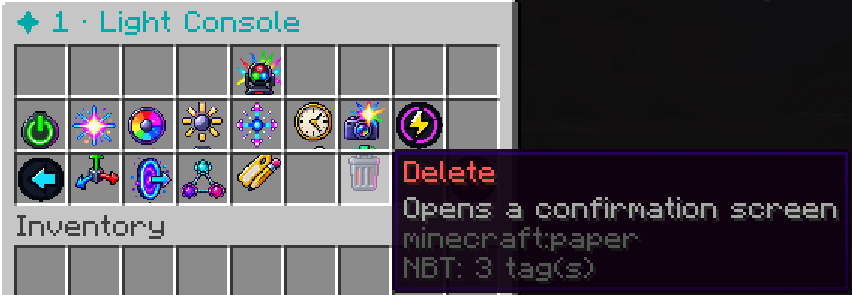
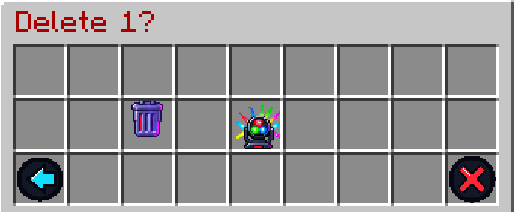
Selecting Delete opens a confirmation step before the light is removed, helping prevent accidental deletion.
Once confirmed, the strobe and its saved configuration are deleted.
The command equivalent is:
/strobe delete <name>Deleting a strobe is permanent. If you only want to temporarily disable a light, use Stop instead.