


Placing a Strobe
Once created, the light can be positioned precisely anywhere in the world and configured from its editor.
Placing the Light Point
A newly created strobe needs a position in the world.
From the strobe editor, select:
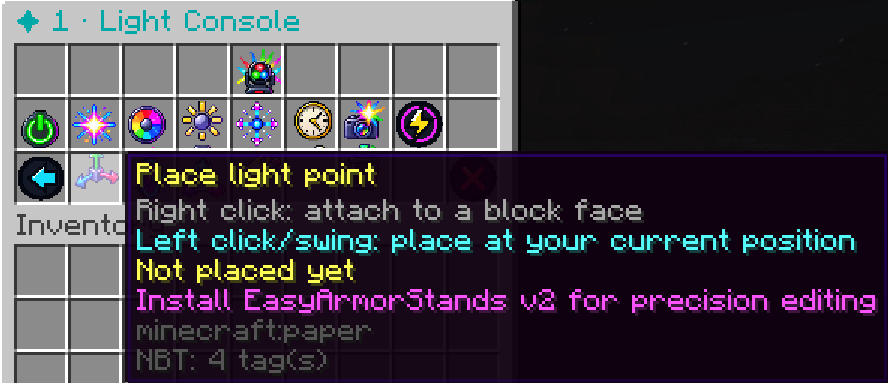
Place light point
StrobeLights will enter placement mode.
There are two ways to place the light.
Attach to a Block
Right-click a block to place the light point on the face you clicked.
This is useful when positioning lights on:
- Walls
- Floors
- Ceilings
- Builds
- Decorative structures
The light source itself does not need to correspond to a visible Minecraft fixture or block.
Place at Your Current Position
Left-click / swing without selecting a block to place the light at your current player coordinates.
This is useful when you need a free-floating light point or when there is no convenient block surface at the desired position.
The stored light point uses the player’s position at the moment it is placed.
The light remains fixed at those world coordinates. It does not follow the player after placement.
Cancelling Placement
If you enter placement mode by mistake or decide not to move the point, use:
/strobeto leave the placement process and return to StrobeLights.