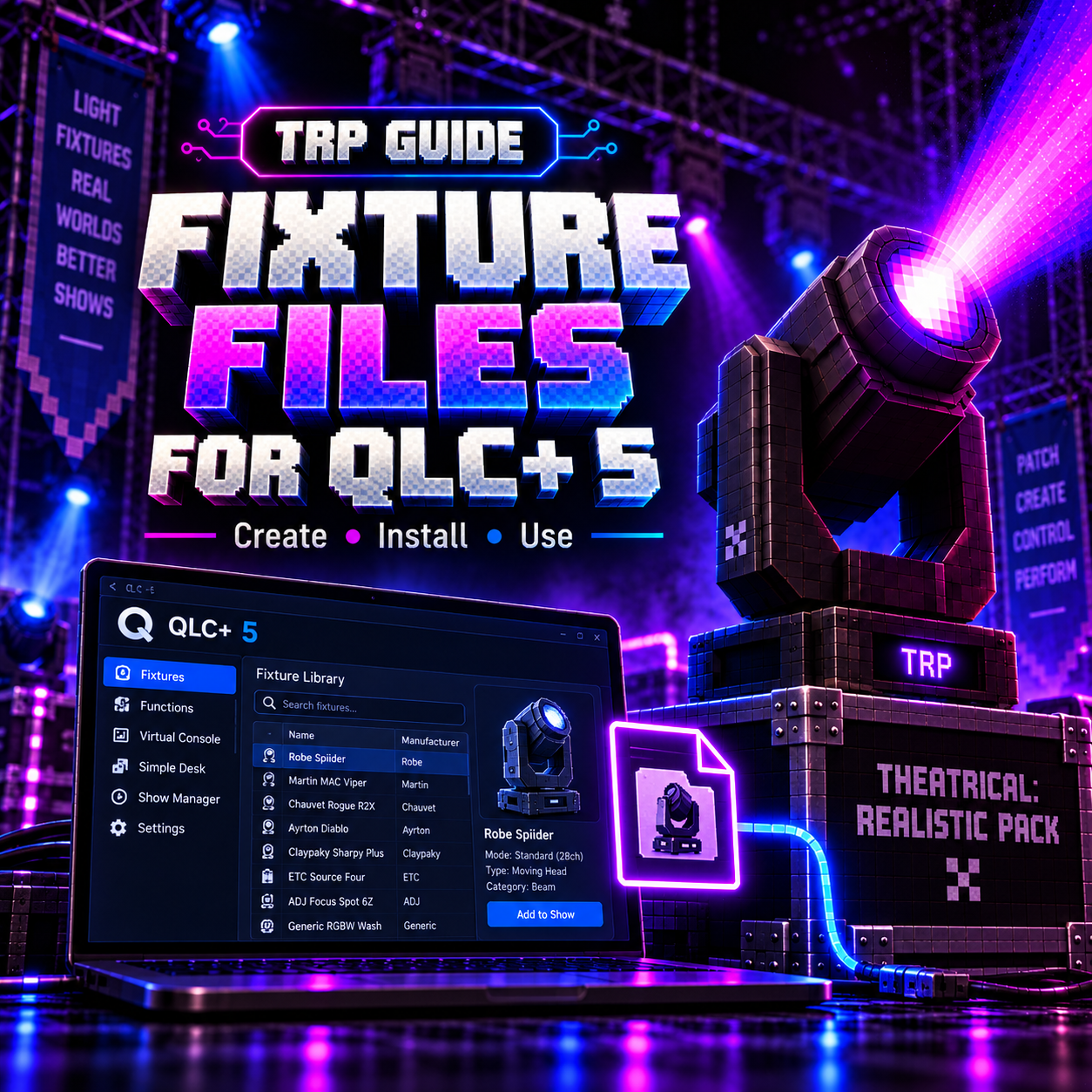
TRP Fixture Files for QLC+ 5
QLC+ 5 fixture definition files for Theatrical: Realistic Pack.
Quickly add supported TRP fixtures to your QLC+ fixture library and get your Art-Net setup ready without having to create every fixture definition manually.
Designed for use with QLC+ 5 and Theatrical: Realistic Pack.
Descripción
Theatrical: Realistic Pack — Fixture Files for QLC+ 5
This download contains a collection of QLC+ 5 fixture definition files made for use with Theatrical: Realistic Pack.
Instead of manually creating fixture definitions, channels and operating modes inside QLC+, you can install these files into your QLC+ fixture library and start building your patch much faster.
They are intended to make it easier to connect QLC+ 5 → Art-Net → Theatrical: Realistic Pack and keep your QLC+ patch consistent with the fixtures available inside TRP.
What’s included
- QLC+ 5 fixture definition files (
.qxf) - Fixture channel definitions
- Supported fixture modes
- DMX channel layouts configured for TRP
- Manufacturer and fixture naming for easier identification inside QLC+
- Files prepared specifically for use with Theatrical: Realistic Pack
How to install
- Download the ZIP file from this page and extract it somewhere on your computer.
- Close QLC+ 5 before installing the files.
- Copy the included
.qxffixture files into your QLC+ user fixture library (C:\Users\YOUR_USERNAME\QLC+\Fixtures), or open/import them using the QLC+ Fixture Definition Editor. - Start QLC+ again.
- Open your fixture manager and search for the fixture you want to use. The newly installed definitions should now appear in the fixture library.
- Add the fixture to your QLC+ project and select the correct operating mode.
- Make sure the Universe and DMX Address in QLC+ match the configuration used by your fixture inside Theatrical: Realistic Pack.
- Configure your Art-Net output in QLC+ and connect it to the TRP node.
If you need help setting everything up, check out the QLC+ + Theatrical: Realistic Pack tutorial in the TRP tutorial series.
Important
Always make sure you are using the correct fixture mode on both sides.
For example, if a fixture is patched using a specific channel mode inside QLC+, the fixture inside TRP must be configured to use the corresponding mode and DMX address.
A mismatch in Universe, Address or Fixture Mode can cause channels to behave incorrectly.
Compatibility
Designed for:
QLC+ 5
Theatrical: Realistic Pack
These files may not behave correctly with older versions of QLC+ or with fixtures/mod versions that have changed their DMX implementation.
Support
If you find a fixture with:
- incorrect channels
- missing modes
- wrong channel order
- unexpected behaviour
- missing fixtures
- installation problems
please create a support ticket in the MrDino Dev Cave Discord server.
When opening a ticket, including the following information will help a lot:
Fixture name, QLC+ version, selected fixture mode, TRP version, Universe, DMX Address, and a description or screenshot of the issue.
This makes it much easier to reproduce and fix the problem.
Descargo de responsabilidad
This is not an official QLC+ product.
These fixture files are created and maintained for Theatrical: Realistic Pack and are not developed, maintained, endorsed or officially supported by the QLC+ project.
QLC+ and any other third-party product or manufacturer names remain the property of their respective owners.
For support related specifically to these fixture files or their integration with TRP, please use the Theatrical: Realistic Pack Discord support system.
Version Information
Platform: QLC+ 5
For: Theatrical: Realistic Pack
File Type: QLC+ Fixture Definitions (.qxf)
Last Updated: October 11th, 2026
Status: Actively maintained
Need help?
Watch the QLC+ setup tutorial or open a support ticket in the MrDino Dev Cave Discord if you have problems installing or using the fixture files.