Replace WordPress avatars with Minecraft-style heads using Minecraft usernames (and future custom skin features).
Índice
1. Busque e instale el Plugin
En el menú Agregar Plugins, busque “Avatars for MC by MrDino” y el plugin aparecerá como en la imagen a continuación.
CONSEJOAll my Plugins wil have the "by MrDino" after the name, if you search MrDino you will find all my plugins. This makes it easier to find.
Después haga click en “Install Now” y luego “Activate”.
2. Configuración
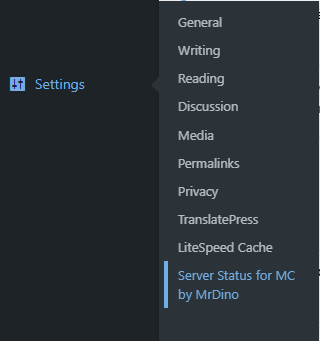
Ahora, una vez activado, puedes encontrarlo en “Settings > Avatars for MC by MrDino”.
Once activated it will start working, no further config needed.
By default we use MC Heads as the skin source.
3. Change Users Avatars
For this go to “Users > User you want to edit”
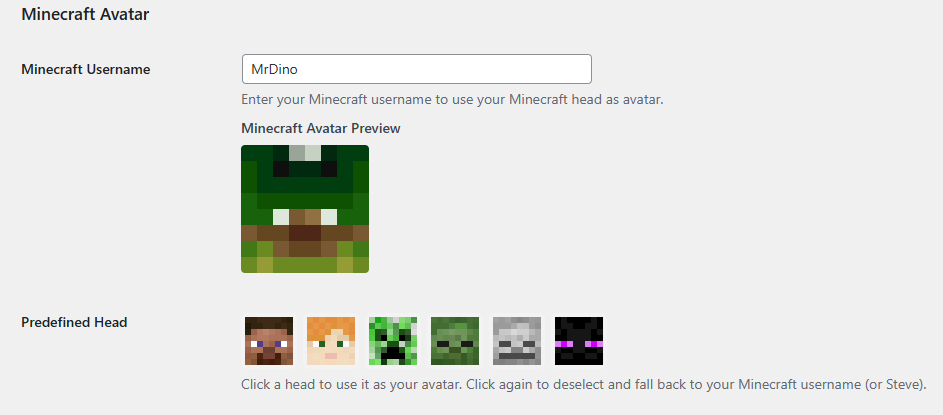
f you scroll down you will find the following menu added into the profile editor:
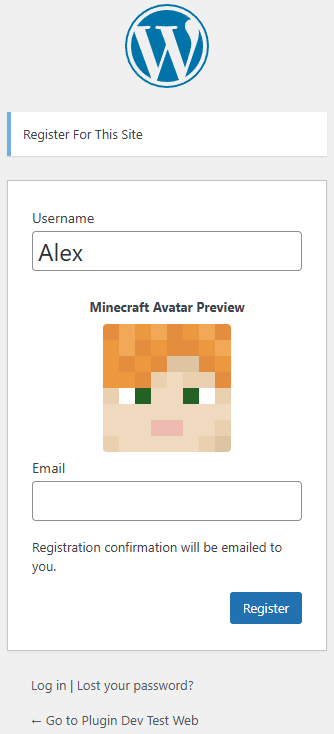
You can choose from predefined head or if you type your minecraft username or any other minecraft username the head will auto update automatically, displaying that players skin.
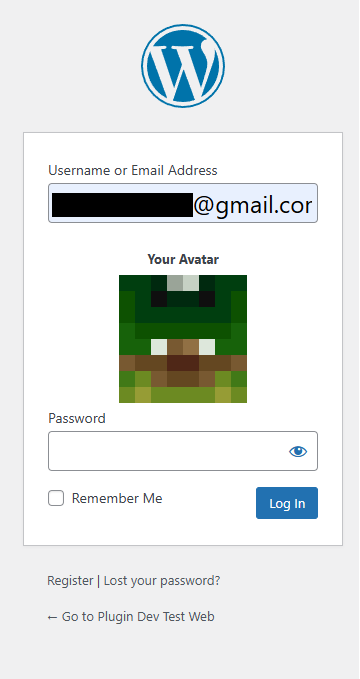
Once saved it will apply to all “avatar” related images from WordPress.
5. Screenshots
6. FAQ
Does this replace Gravatar ?
Yes, for users who have set a Minecraft username, their Minecraft head will be used as avatar.
Is it compatible with BuddyPress ?
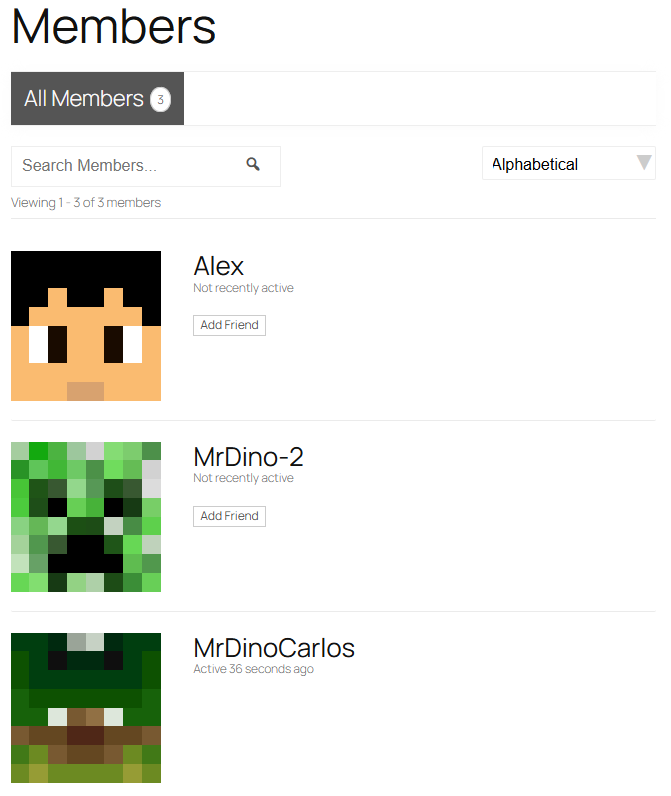
Yes it is compatible and will set your Minecraft Avatar as default unless it has been overridden by the user.
Is it compatible with WooCommerce ?
Yes it is compatible and will set your Minecraft Avatar as default unless it has been overridden by the user.
Can I add custom heads ?
The current version only allows to have the default predefined heads + the minecraft username head. If users want a custom head they could add as minecraft user their desired head name.




 Spanish