


Per Player Profiles by MrDino
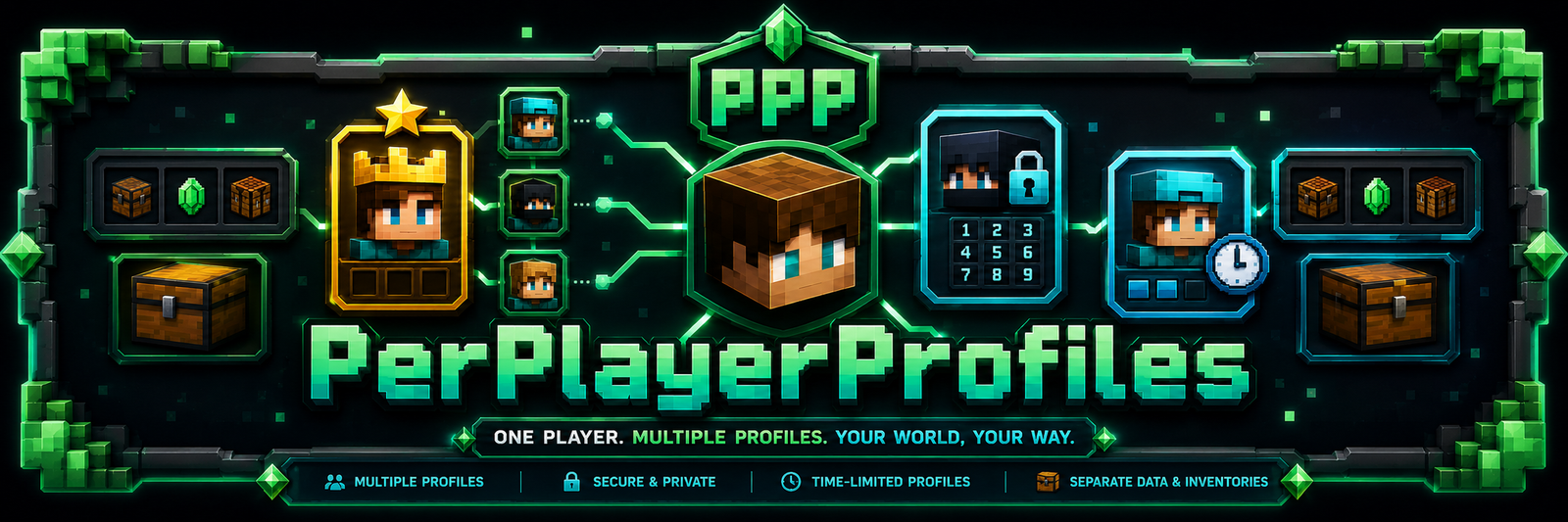
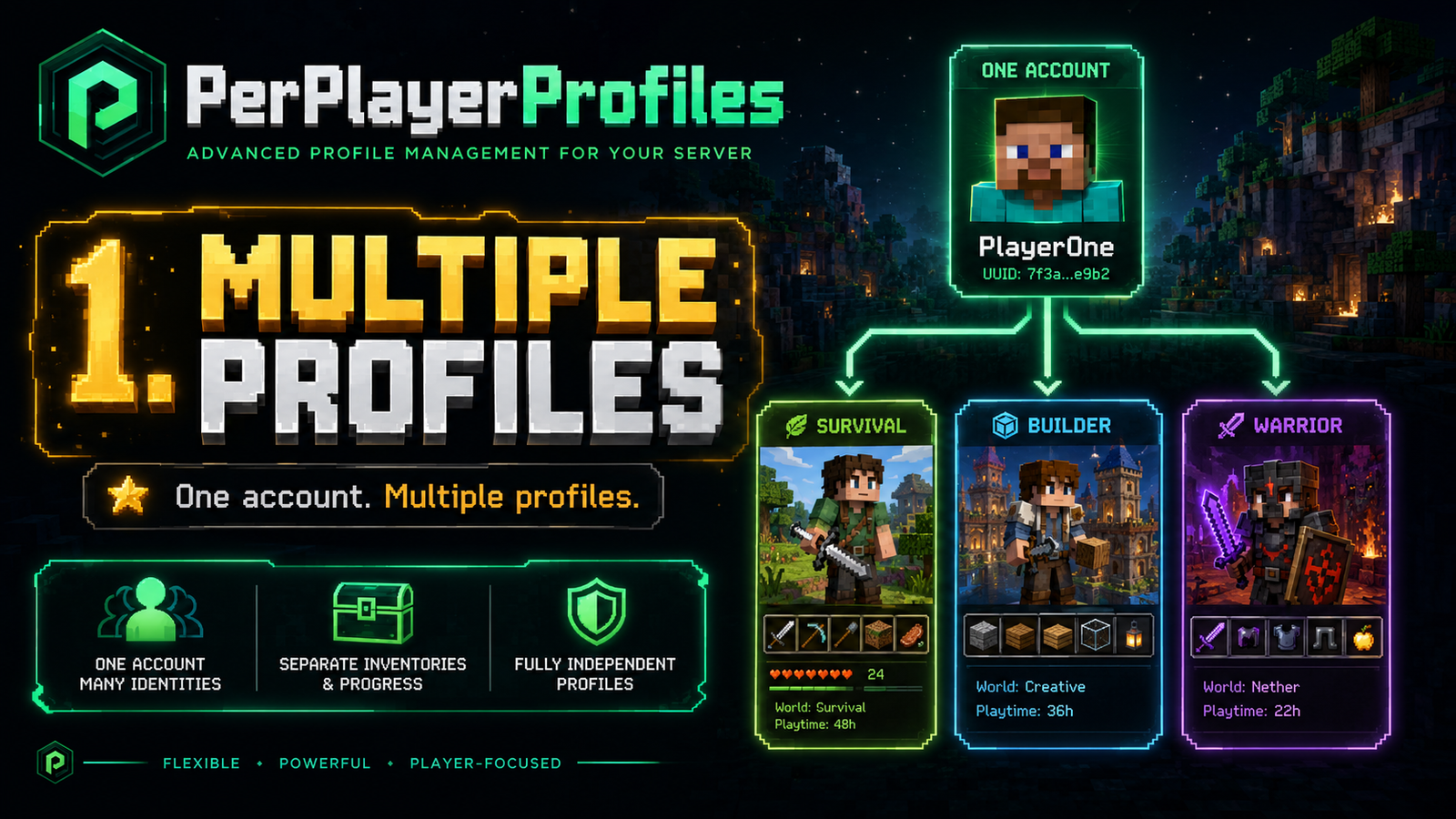
PerPlayerProfiles is a Minecraft plugin for Spigot, Paper, and Bukkit 1.20+ servers that allows one Minecraft account to have multiple independent server profiles.
Each profile can have its own inventory, experience, location, statistics, play-time limits, PIN, visual icon, respawn point, and configuration. It is designed for servers where one account may be shared by different people, used for different characters, or controlled with time-limited access.
Main Features
- Multiple profiles per Minecraft account.
- Works with premium and non-premium/offline-mode accounts.
- One master profile per account.
- The master profile can be renamed without losing master permissions.
- The master profile always appears first in profile lists.
- New profiles start completely clean.
- Independent saved state per profile.
- Visual GUI-based profile selector.
- Short command alias:
/ppp. - Multi-language support.
- Visual numeric PIN pad with custom heads.
- Configurable profile icons using custom heads.
- Per-profile play-time limits.
- Automatic play-time renewal.
- Automatic server kick when time reaches 0.
- Visual PIN error feedback.
- Compatibility with GUI login/security plugins such as ServerPassword.
- Safe config updates without overwriting user settings.
Compatibility
Supported Versions
- Minecraft 1.20+
- Spigot API 1.20+
- Paper 1.20+
- Bukkit-compatible 1.20+ servers
- Java 17+
External Plugins
The plugin declares a soft dependency for: ServerPassword by MrDino
If ServerPassword is installed and enabled, PerPlayerProfiles waits until the player has completed the server password authentication before opening the profile selector.
The plugin also waits if another GUI is already open when the player joins. This prevents PerPlayerProfiles from overriding login, authentication, or security menus.
Instalación
- Download the plugin
.jar. - Copy the
.jarinto your server plugins folder:
plugins/
- Restart the server.
- Edit the generated config file:
plugins/PerPlayerProfiles/config.yml
- Restart again after changing configuration values.
Commands
Main Command
/profiles
Opens the main profile GUI.
Aliases
					/ppp
/pprofile
/perfil
/perfiles
Legacy Subcommands
The plugin is primarily designed around GUI management, but basic command support is also available:
					/profiles list
/profiles create <name> [pin]
/profiles use <name> [pin]
/profiles delete <name> [masterPin]
/profiles lock <name> <pin>
/profiles unlock <name> <currentPin>
/profiles setmasterpassword <pin>
/profiles setlimit <profile> <maxMinutes> <renewEveryHours> [masterPin]
Profile System
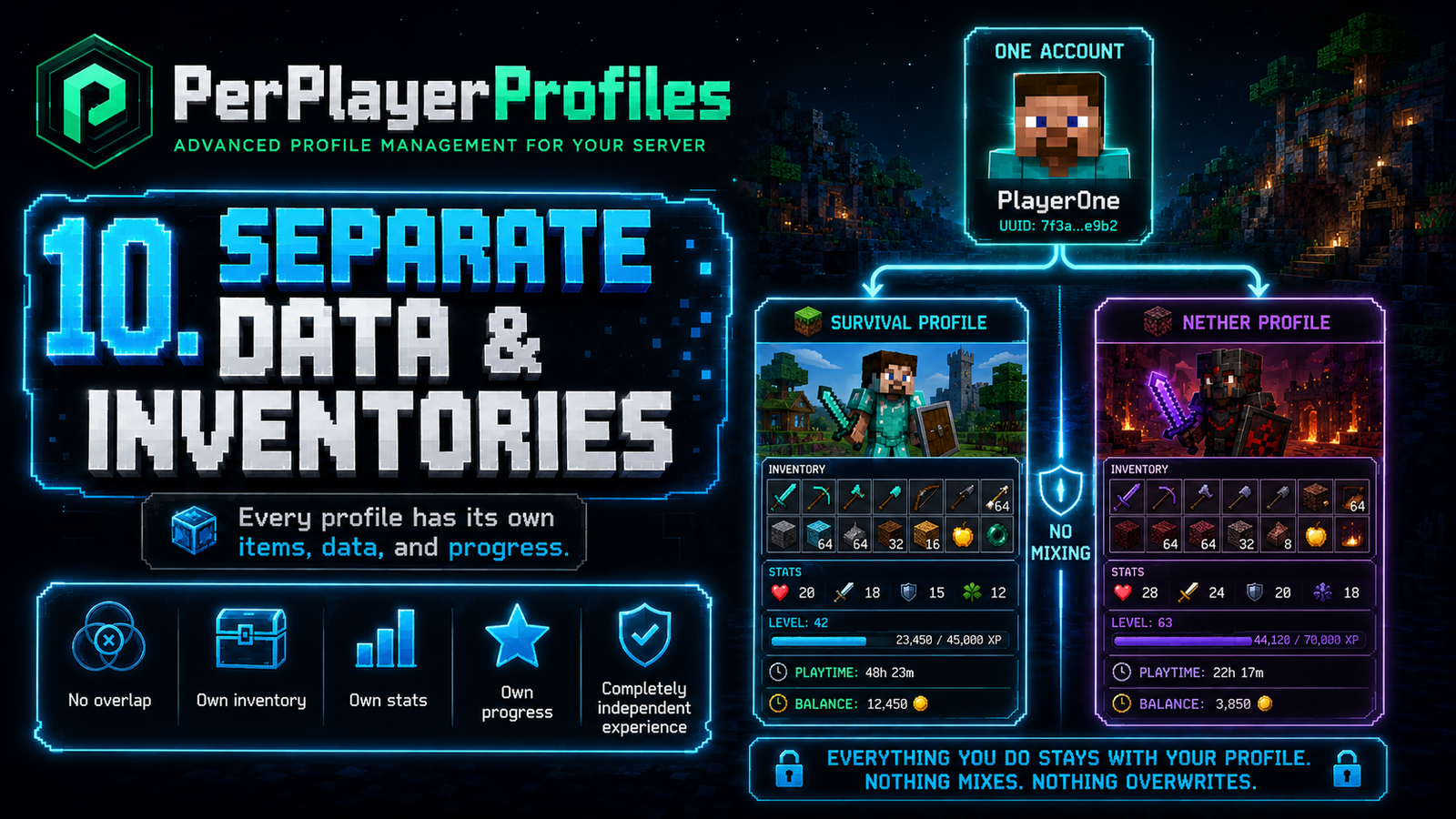
Each player account can have multiple profiles.
The maximum number of profiles is configured with:
					profiles:
  max-per-account: 3
Master Profile
The first profile created for an account is the master profile.
The master profile:
- Can create profiles.
- Can delete profiles.
- Can configure play-time limits.
- Can change, remove, or reset profile PINs.
- Can configure the master PIN.
- Can edit profile icons and names.
- Can be renamed without losing master permissions.
- Always appears first in the selector.
- Cannot be deleted.
- Is not kicked by play-time limits.
The master profile is internally tracked as the master profile, not just by its name. This means it remains the master even if renamed.
Normal Profiles
A normal profile:
- Can be selected from the GUI.
- Has its own saved state.
- Can have its own PIN.
- Can change or remove its own PIN.
- Can change its own icon.
- Can change its own name.
- Can have a play-time limit configured by the master profile.
Saved State Per Profile
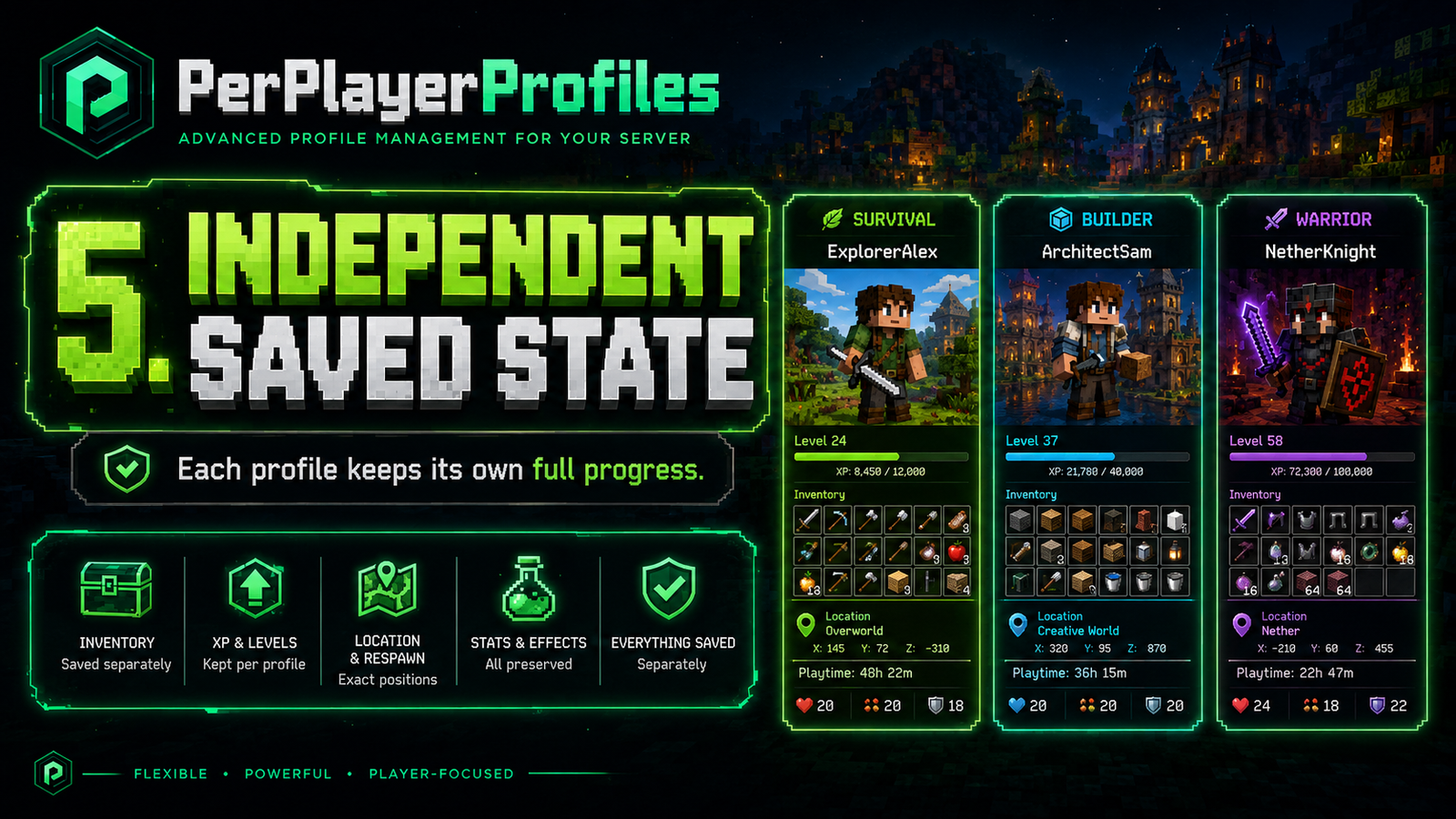
Each profile stores its own player state:
- Last location.
- Respawn location.
- Bed spawn location.
- Full inventory.
- Armor.
- Offhand and extra inventory slots.
- Ender chest.
- Health.
- Food level.
- Saturation.
- Exhaustion.
- Level.
- Experience.
- Total experience.
- Game mode.
- Allow-flight status.
- Flying status.
- Fire ticks.
- Remaining air.
- Potion effects.
- Basic untyped statistics.
Clean New Profiles
Newly created profiles do not copy the active profile state.
A new profile starts with:
- Empty inventory.
- Empty armor.
- Empty offhand.
- Empty ender chest.
- 0 XP.
- Level 0.
- Full health.
- Full hunger.
- No potion effects.
- Basic statistics set to 0.
- Initial location at the world spawn.
- No custom respawn point.
This prevents item duplication between profiles.
Profile Selector
The selector can automatically open when the player joins:
					profiles:
  open-selector-on-join: true
Rules:
- If the account only has one profile, the selector does not open.
- If the account has more than one profile, the selector opens on join.
- If the player presses ESC without selecting a profile, the GUI opens again.
- The player must select a profile.
- If a login/security GUI is open, the selector waits.
Waiting For Login Plugins
					profiles:
  selector-auth-wait-seconds: 60

compatibility:
  server-password:
    wait-for-auth: true
This prevents PerPlayerProfiles from opening its menu before the player finishes server authentication.
PIN System
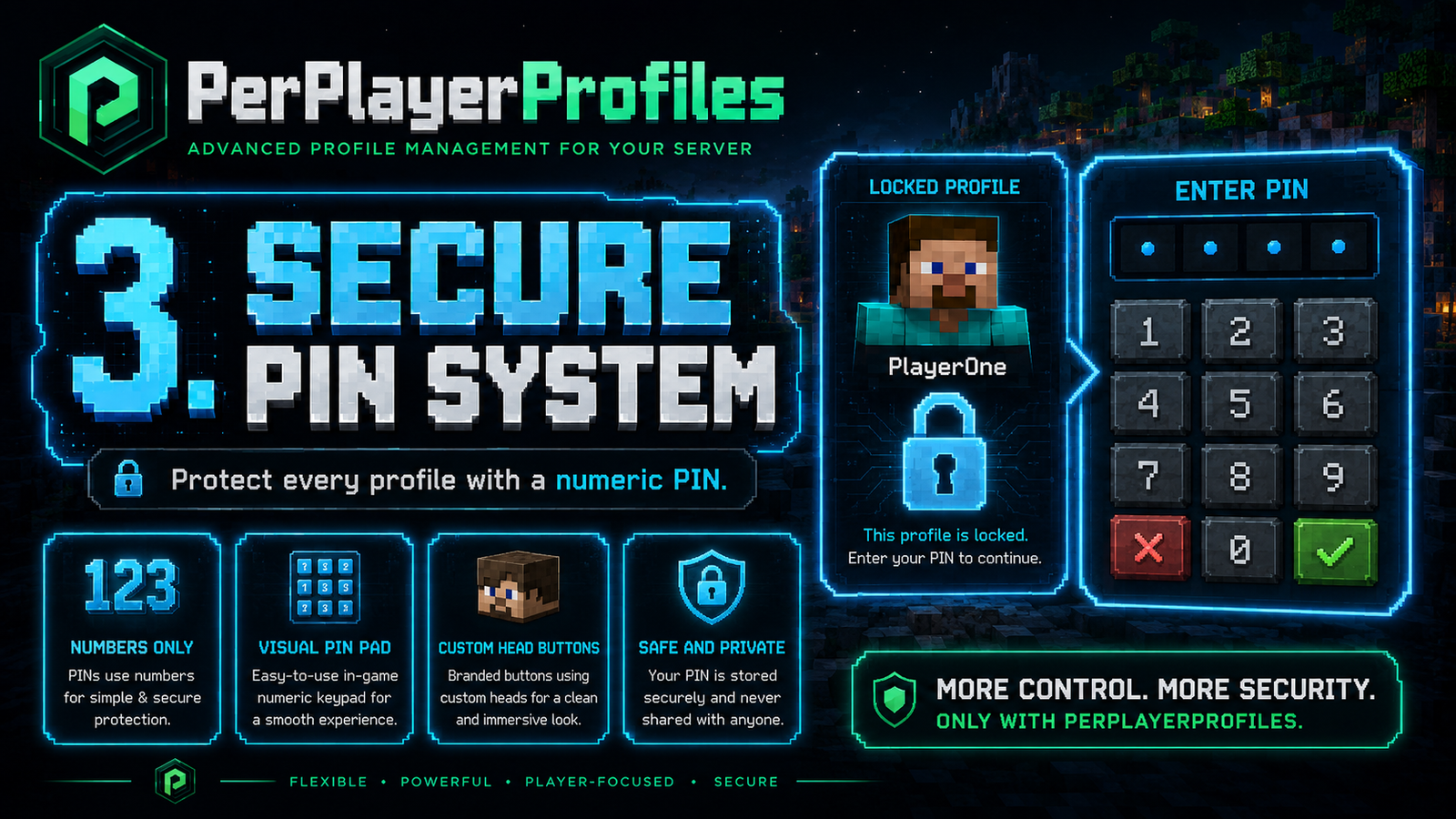
Profiles can be protected with numeric PINs.
PIN length is configured with:
					security:
  pin:
    min-length: 4
    max-length: 9
Rules:
- Numbers only.
- Minimum length is clamped between 4 and 9.
- Maximum length is clamped between 4 and 9.
- Default minimum: 4.
- Default maximum: 9.
Profile PIN
Each profile can:
- Set a PIN.
- Change its PIN.
- Remove its PIN.
A normal user must know the current PIN to change or remove it.
Master PIN
The master PIN is managed from the master profile menu.
The master profile can:
- Change the master PIN.
- Use the master PIN for sensitive actions.
- Change other profile PINs.
- Remove other profile PINs.
- Reset a profile PIN so the user can set a new one.
Creating Profiles And Master PIN
By default, creating a new profile does not require the master PIN:
					profiles:
  require-master-pin-to-create: false
If set to true, creating profiles requires the master PIN when one exists.
PIN GUI
PINs are entered through a visual numeric GUI.
The PIN GUI includes:
- Number buttons with custom heads.
- Length display.
- Backspace button.
- Cancel button.
- Confirm button.
- Visual error feedback.
Visual PIN Errors
If the PIN is wrong or invalid:
- The PIN display turns red.
- A title appears on screen.
- A red chat message is sent.
- The GUI restores itself after a short delay.
Profile Icons
Each profile can have a visual icon.
Profile icons are configured with:
					gui:
  profile-icons:
    default: baby_turtle
    icons:
      baby_turtle:
        name: 'Baby Turtle'
        texture: '...'
Default profile icons:
- Baby Turtle
- Baby Mule
- Baby Goat
- Baby Squid
- Baby Pig
- Baby Sheep
- Baby Cow
- Baby Fox
You can add more icons using Minecraft Heads or any valid base64 skull texture.
Custom Heads
The plugin uses custom heads for:
- PIN pad numbers.
- Create profile button.
- Delete profile button.
- Lock profile button.
- Unlock profile button.
- Settings button.
- Plus buttons.
- Minus buttons.
- Renewal icon.
- Confirm/save buttons.
- Profile icons.
They can be edited in:
					gui:
  heads:
    create: '...'
    minus: '...'
    renew: '...'
    confirm: '...'
Play-Time Limits
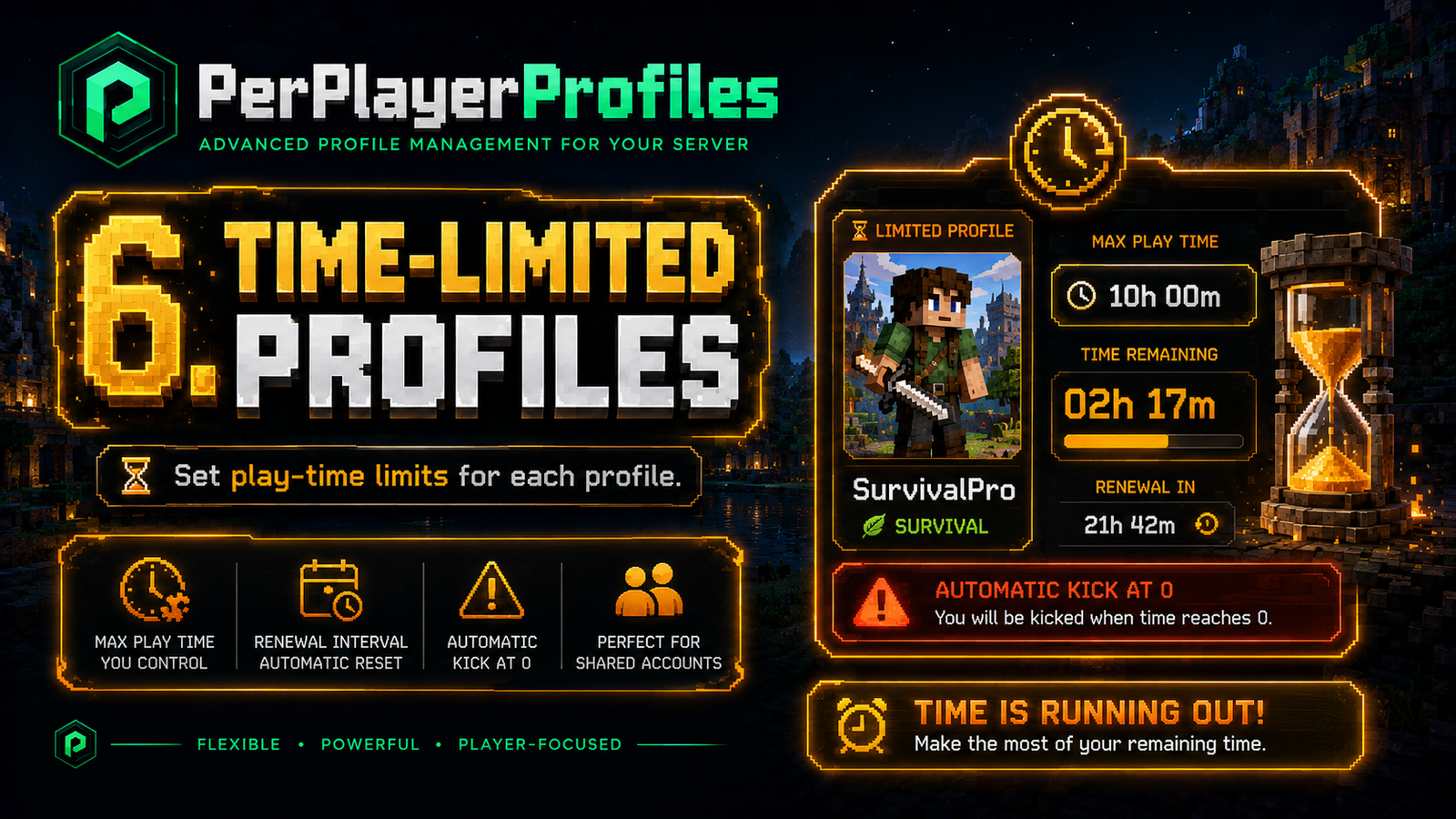
The master profile can configure play-time limits for other profiles.
Each profile can have:
- Maximum play time.
- Renewal interval.
- Used-time counter.
- Countdown until it can be played again.
Example
A profile can be configured with:
- 60 minutes of play time.
- Renewal every 24 hours.
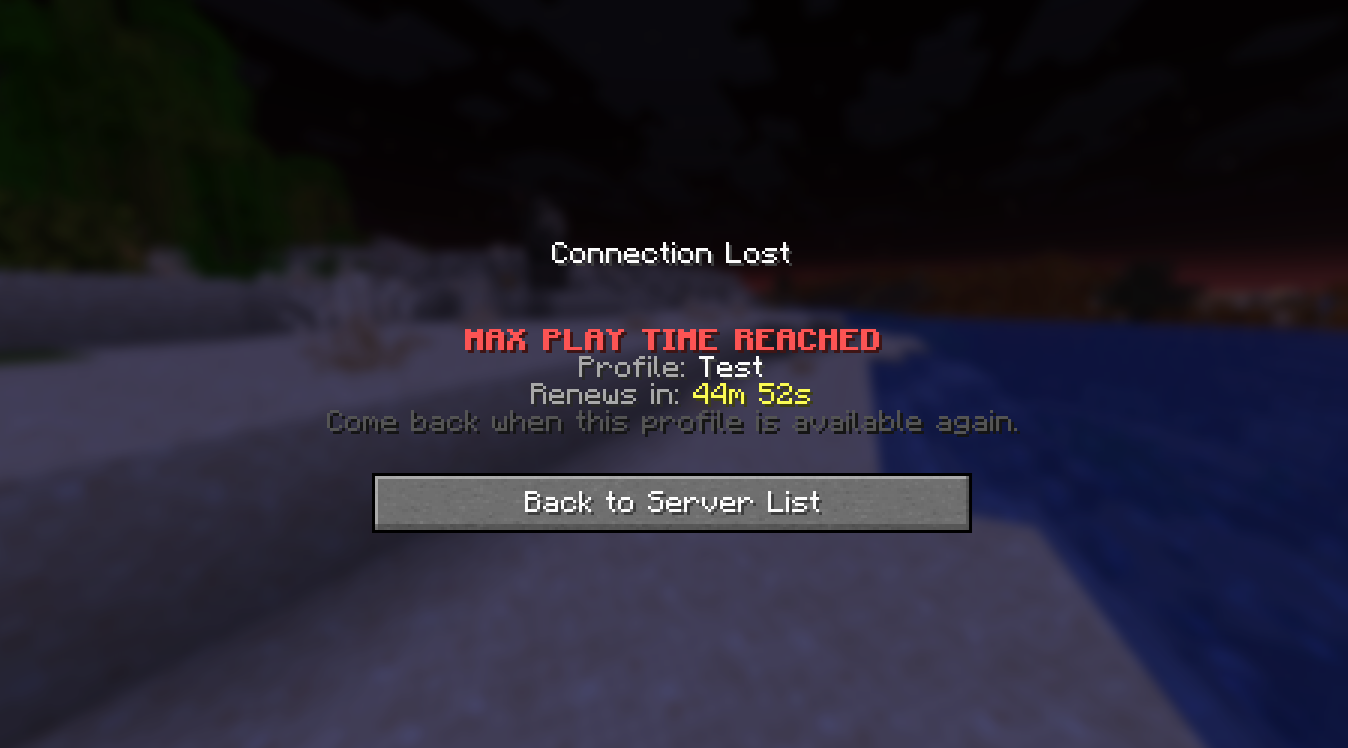
When the player uses all 60 minutes:
- The player is kicked from the server.
- The kick screen shows the affected profile.
- The kick screen shows when the profile renews.
Time GUI
The time GUI allows the master profile to:
- Increase or decrease maximum minutes.
- Increase or decrease renewal hours.
- Save the configuration.
- Reset used time.
- View current time settings from the clock icon.
Time Reset
The master profile can reset:
- Used play time.
- Renewal countdown.
This makes the profile available again according to the configured limit.
Time Warnings
When a limited profile is close to running out of time, a visual countdown appears:
- From 5 minutes: orange.
- From 1 minute: red.
- From 30 seconds: blinking red.
The countdown uses the ActionBar. Spigot/Paper vanilla cannot draw arbitrary small text in the top-left corner without a resource pack or client-side mod.
Time Expiration Kick
When the remaining time reaches 0:
- The player is kicked from the server.
- The plugin does not switch the player back to the master profile.
- A clear kick screen is shown:
Languages
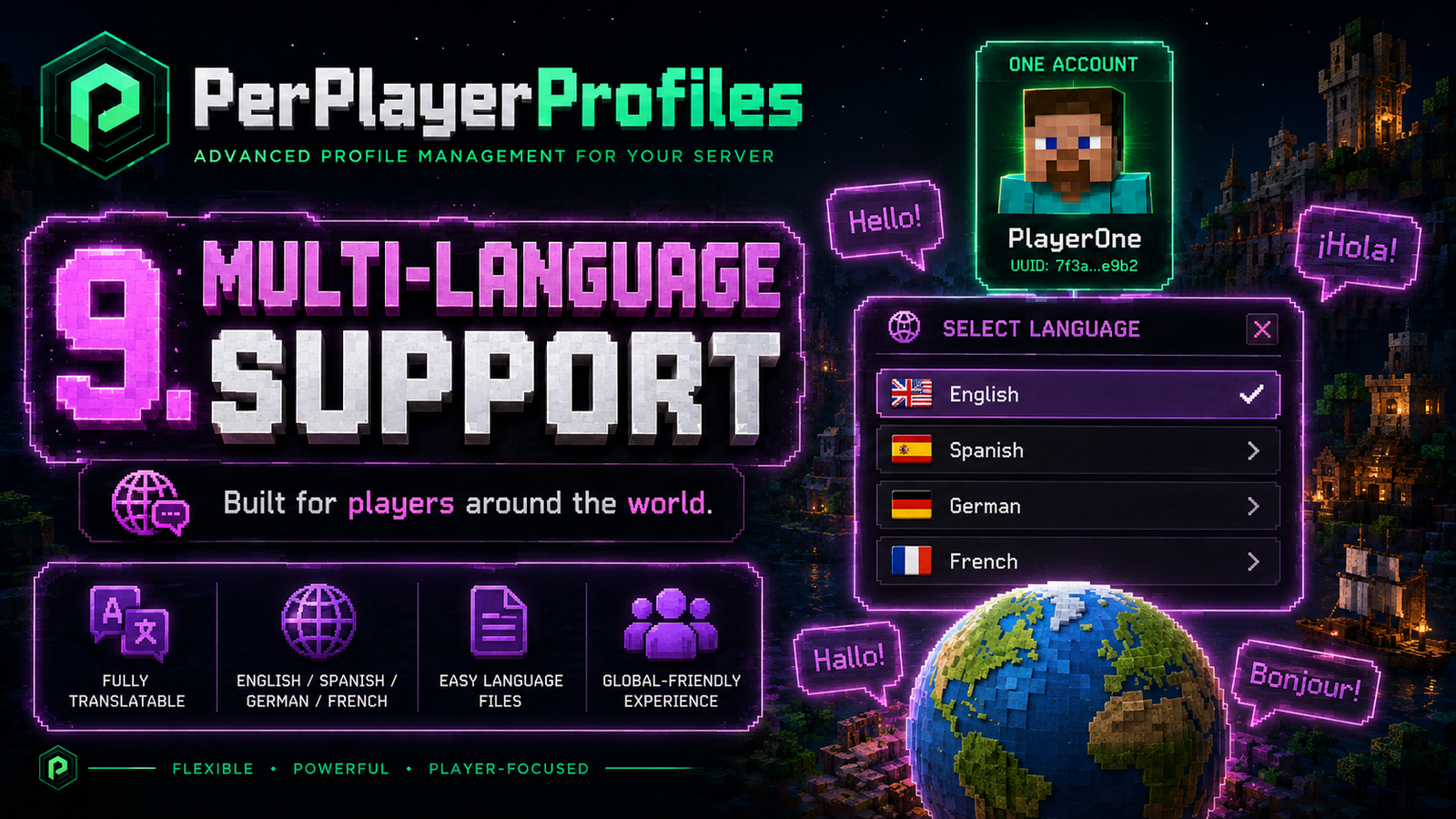
Included languages:
- English:
en - Spanish:
es - German:
de - French:
fr
Language is configured with:
language: en
Language files are stored separately:
					plugins/PerPlayerProfiles/lang/en.yml
plugins/PerPlayerProfiles/lang/es.yml
plugins/PerPlayerProfiles/lang/de.yml
plugins/PerPlayerProfiles/lang/fr.yml
Data Files
Profile data is stored under:
plugins/PerPlayerProfiles/accounts/
Each account has:
- A main profile metadata file.
- A folder containing individual state files for each profile.
Use Cases
- Family servers where multiple people share one account.
- Shared accounts with controlled access.
- Time-limited profiles for children.
- Different characters inside the same Minecraft account.
- Offline-mode servers where one identity may need several profiles.
- Separating inventory and progress without requiring multiple accounts.