


Creating a Strobe
Creating a new light in StrobeLights is done through the in-game GUI.
Creating a New Strobe
Open the StrobeLights interface with:
/strobeSelect Create a strobe.
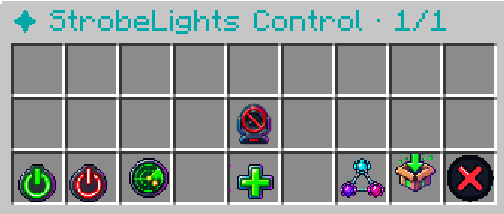
StrobeLights will close the GUI and ask you to enter the name of the new strobe directly in chat.
A valid name may contain:
Letters
Numbers
_
-
Strobe names must be unique. Two strobes cannot use the same name.
If you change your mind while entering the name, type:
cancelto return to the previous menu.
Default Settings
Once the strobe has been created, its editor will open automatically.
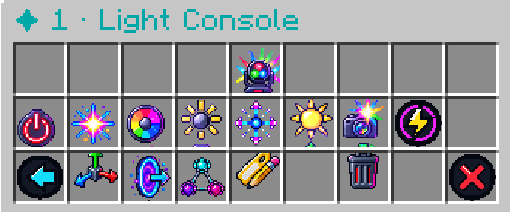
New strobes start with the following default settings:
| Setting | Default |
|---|---|
| Color | White #FFFFFF |
| Screen Flash | Low |
| Flash Power | 50% |
| RGB Intensity | 15/15 |
| RGB Light Size | 1.00x |
| Group | None |
These settings can be changed immediately or at any time later from the strobe editor.