


Moving a Strobe
Select Move from the strobe editor to change the position of an existing light.
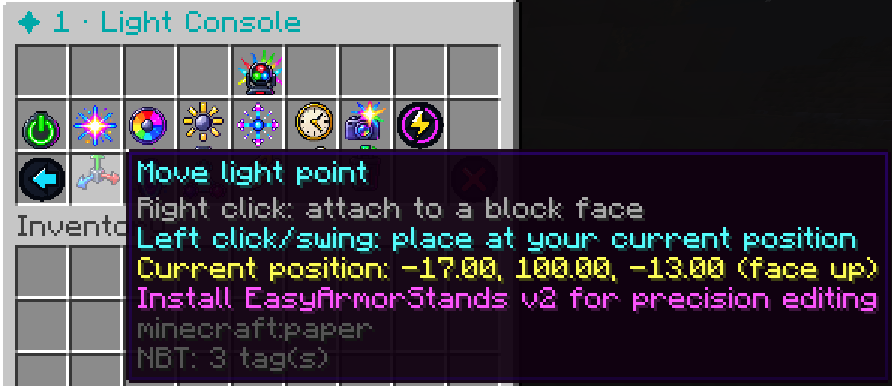
StrobeLights will enter the same placement mode used when the light was originally created.
You can then:
Right-click a block
to move the light point to the clicked block face.
Left-click / swing
to move it to your current player coordinates.
Changing the position does not reset the strobe’s other settings.