Saltar al contenido principal
Table of Contents
Print

Moving a Strobe

Select Move from the strobe editor to change the position of an existing light.
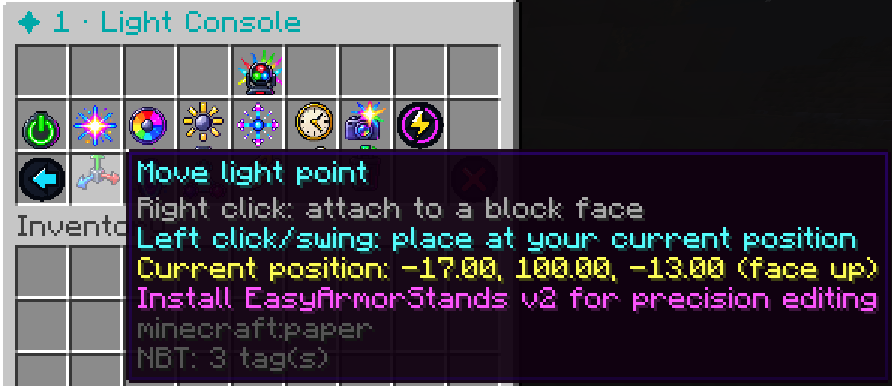
StrobeLights will enter the same placement mode used when the light was originally created.

You can then:

Right-click a block
to move the light point to the clicked block face.

Left-click / swing
to move it to your current player coordinates.

Changing the position does not reset the strobe’s other settings.

Deja una respuesta

MrDino Dev Cave
Resumen de privacidad

Esta web utiliza cookies para que podamos ofrecerte la mejor experiencia de usuario posible. La información de las cookies se almacena en tu navegador y realiza funciones tales como reconocerte cuando vuelves a nuestra web o ayudar a nuestro equipo a comprender qué secciones de la web encuentras más interesantes y útiles.