


Identify Mode
The Identify system helps locate a fixture physically inside the Minecraft world.
Identify can be enabled for:
- One fixture
- Multiple selected fixtures
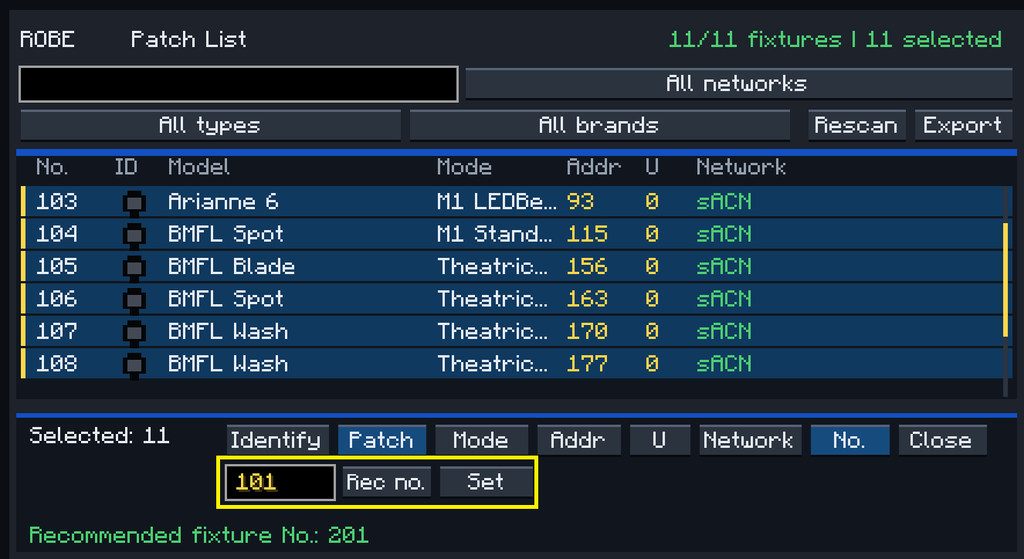
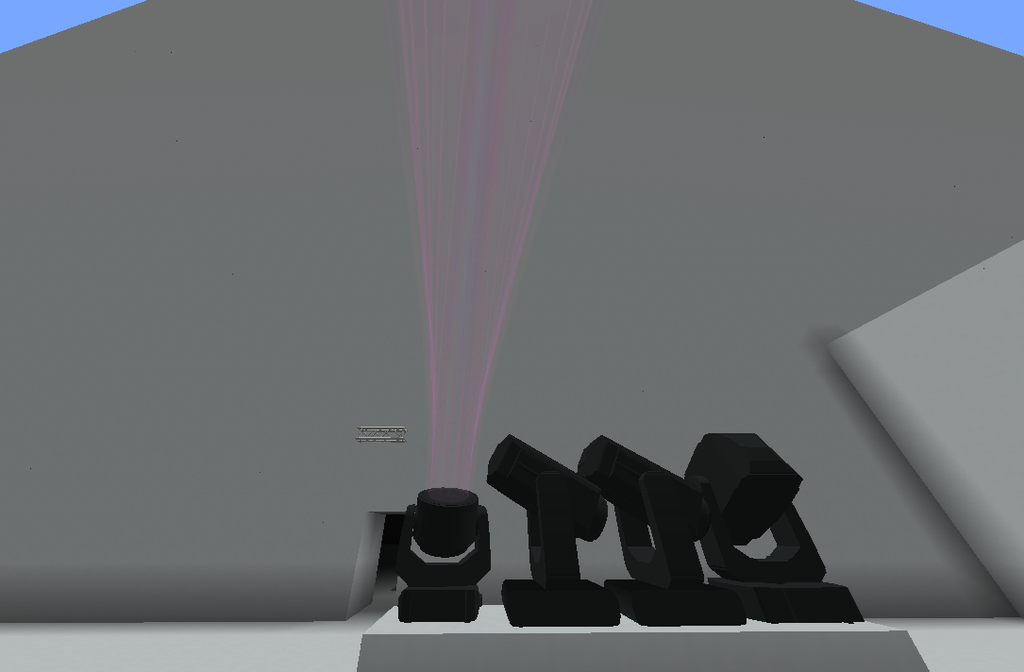
When enabled, TRP temporarily overrides the fixture’s normal visual output so the technician can identify which physical fixture corresponds to the selected patch entry.
This is particularly useful when:
- Several identical fixtures are installed together
- A fixture has been patched incorrectly
- You need to find a specific fixture in a large rig
- Fixture numbers and world positions need to be verified
The Identify Manager can also clear active identification states.