


Model Quality
Available options:
- Performance
- Balanced
- Quality
Default: Balanced
Model Quality controls the level of detail used when rendering TRP fixture bodies.
Performance
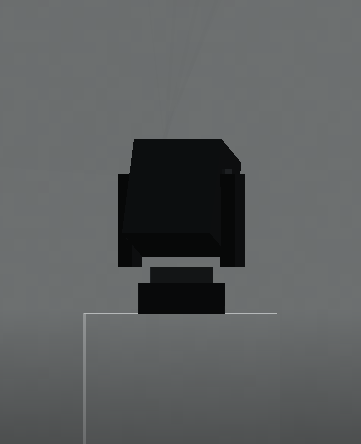
Reduces model complexity where possible and is intended for systems where FPS is more important than maximum fixture detail.
Recommended for:
- Lower-end hardware
- Large fixture counts
- Large venues
- Performance-focused installations
Balanced
The default option.
Provides a compromise between fixture detail and rendering performance.
This is the recommended starting point for most users.
Quality
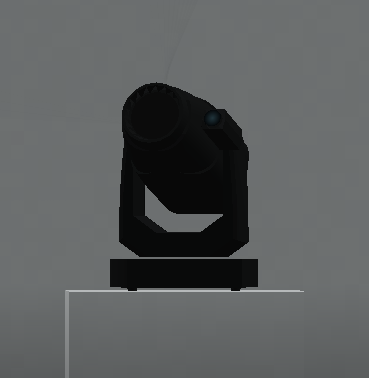
Prioritises the highest available fixture-model detail.
Recommended for:
- Screenshots
- Showcase builds
- Smaller rigs
- Higher-end systems
- Situations where fixture appearance is particularly important
The physical fixture model and the optical beam are handled separately by TRP, so reducing model detail does not automatically disable an otherwise visible beam.