


Set the DMX Address
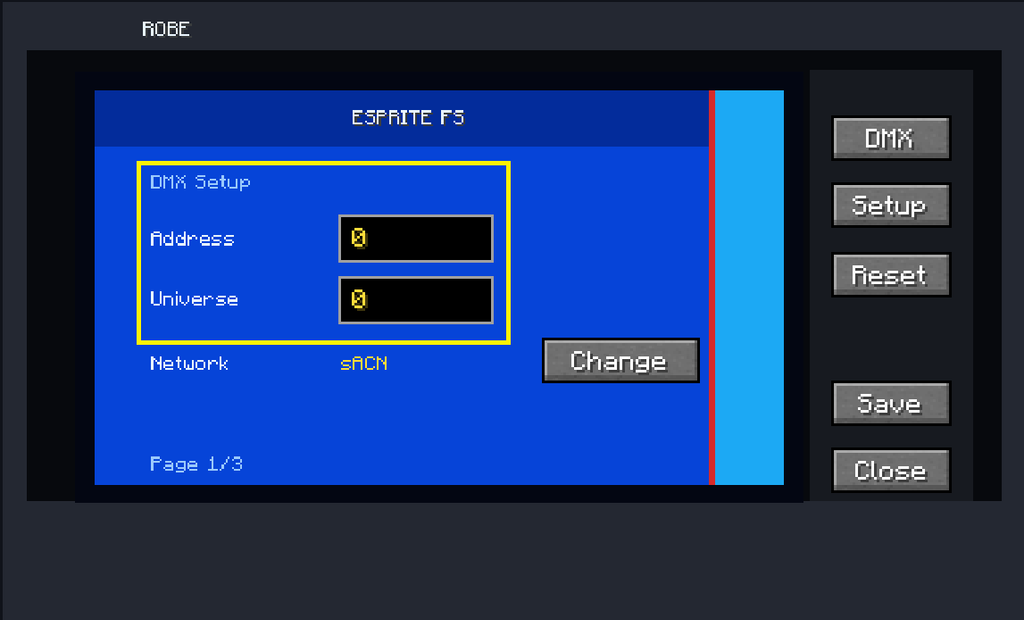
Set the fixture’s starting DMX address.
For your first fixture, you can normally start at:
Address: 1
The selected fixture mode determines how many consecutive DMX channels the fixture uses.
For example, a mode using 39 channels and starting at Address 1 occupies:
1–39
The next fixture must therefore start after that footprint unless you intentionally want the channels to overlap.